Works with the site you already have.

    Connect your website once, on WordPress, Shopify, Wix and eleven more, and the agent publishes your articles there. Any website, whoever built it, gets the monthly check.

    Fourteen builders and CMSs today, Blogger next.

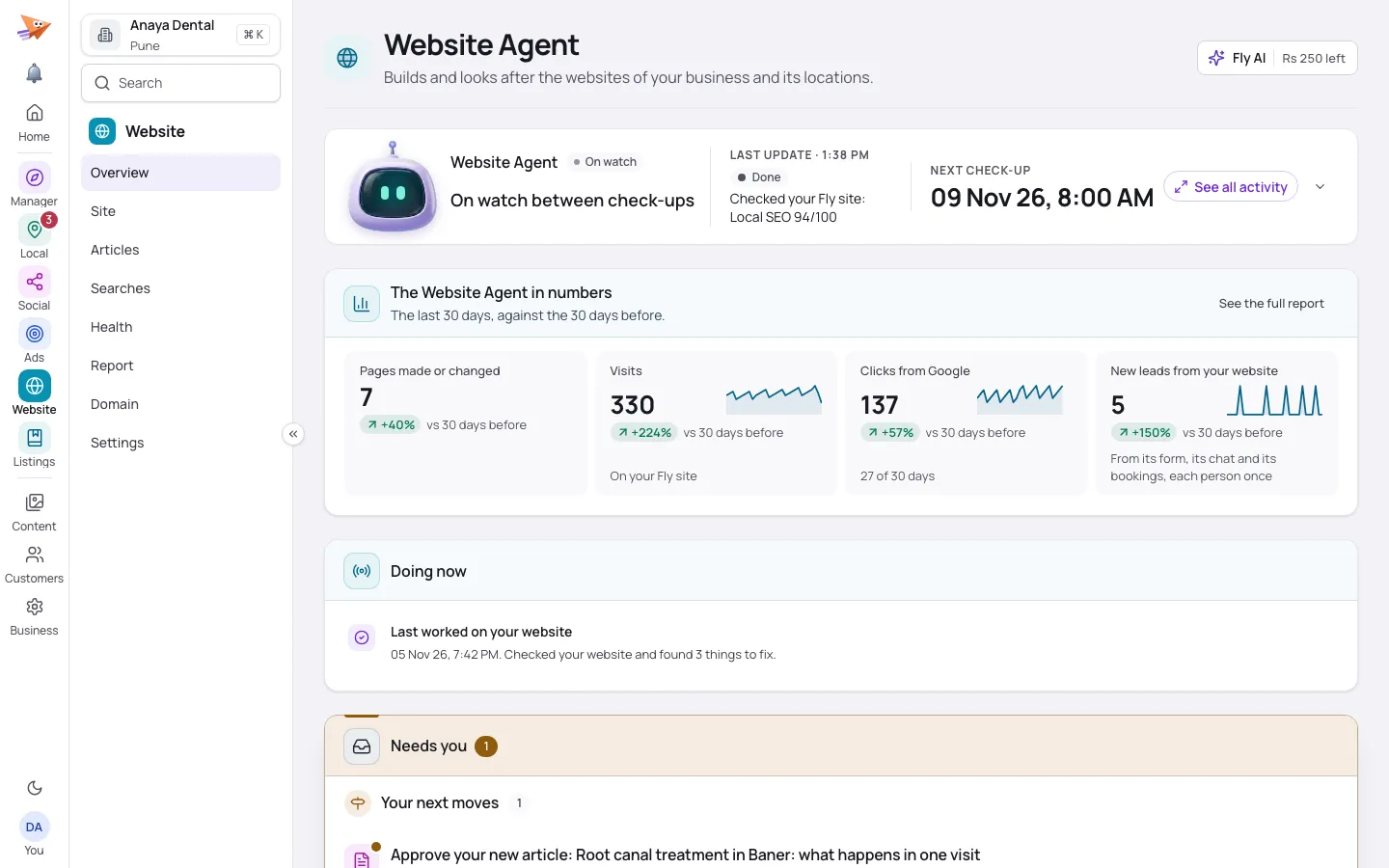
    An article draft for a sample dental clinic on a computer: the full text to read and edit before it goes live.
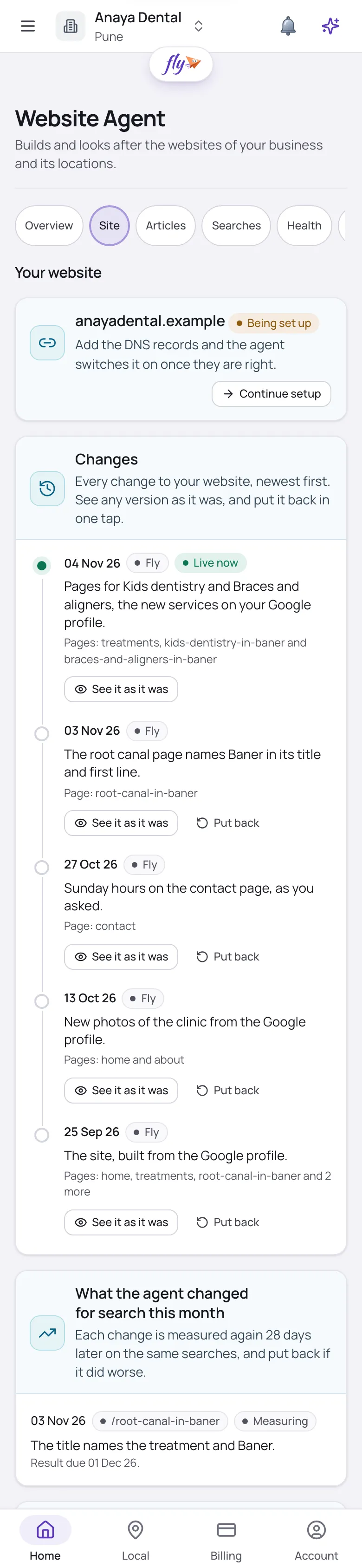
    Your website for a sample dental clinic on a phone: the Fly site, a box to tell the agent what to change, and the monthly check.

    Screens show a sample business.

    The problem

    Your website runs on a builder you picked years ago, and nobody has time to write for it.

    What the agent does

    Connect it once with a key you make on your site. The agent publishes its articles in your own blog, in the mode you picked.

    What you get

    Fresh pages on the site you already have, with no new website and no copy and paste.

    The builders it publishes to.

    The monthly check reads any website, whoever built it. Articles go onto the builders below once you connect your site.

    Publishes today

    • WordPress
    • Shopify
    • Wix
    • Webflow
    • Joomla
    • Drupal
    • HubSpot
    • Ghost
    • Duda
    • BigCommerce
    • Magento
    • PrestaShop
    • Contentful
    • Strapi

    Your site connects once, with a key or password you create on that site.

    Coming soon

    • Blogger

    Articles for these come next. Each one gets the monthly check today.

    Checked every month

    • Squarespace
    • GoDaddy Website Builder
    • Google Sites
    • Hostinger Website Builder
    • Weebly
    • Jimdo
    • Zoho Sites
    • Tilda

    These builders have no way in for publishing, so the agent checks the site every month and hands you the fixes to paste.

    See it at work.

    Shown on a sample clinic: what the agent did, and what it means for you.

    Your own site, kept fresh.

    • Connected once with a key you make on your site
    • Each article goes into your own blog, with its picture and search words
    • Your mode decides: on Fly asks first, each one waits for your yes

    New pages on the site you already have, without copy and paste.
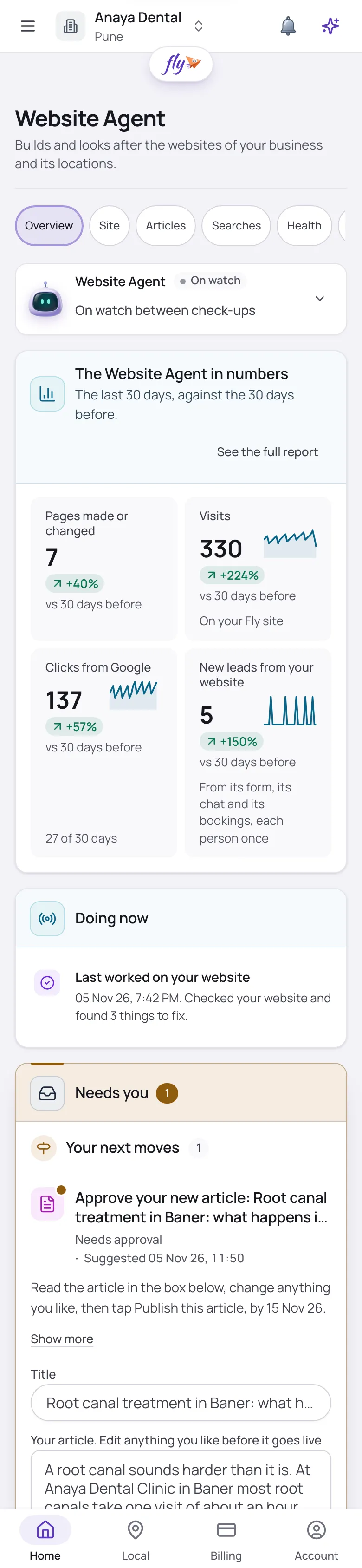
    An article draft for a sample dental clinic on a phone: the whole article in a box to edit, waiting for a yes.
    • Your site connected
    • Article published on your site

    How your site connects.

    • One key, kept safe

      You make a key or app password on your site and paste it once. It is kept encrypted, never shown again, and you can disconnect any time.

    • Checked before it is kept

      Fly tries the details on your site before it saves them. A wrong key is refused in plain words, and an update keeps the old connection until the new one works.

    • Articles in your own blog

      Each article lands in your own blog, or as a page where the builder has no blog, with its picture and search words wherever the builder keeps them.

    • Your own articles too

      Write or upload an article on the Articles tab, and the agent adds the search words, a picture and links, then publishes it on your site.

    • Titles fixed on WordPress

      With Yoast, Rank Math, AIOSEO or SEOPress on your WordPress site, the agent fixes page titles and descriptions itself, in your mode, each with Undo.

    • Told when it stops

      If your site stops taking the key, the connection shows Needs attention with the reason, and the agent asks you to connect again.

    Questions about your website builder.

    Which builders can it publish to?

    WordPress, Shopify, Wix, Webflow, Joomla, Drupal, HubSpot, Ghost, Duda, BigCommerce, Magento, PrestaShop, Contentful and Strapi. Blogger comes next.

    My site is on Squarespace or another builder. What then?

    Squarespace, GoDaddy Website Builder, Google Sites, Hostinger Website Builder, Weebly, Jimdo, Zoho Sites and Tilda sites are checked monthly, fixes handed to you. Or let the agent build you a Fly site, where it makes the fixes and publishes the articles itself.

    What do I need to connect?

    Your site connects once, with a key or password you create on that site. The form shows where your builder keeps it, step by step.

    Will it change my design or my other pages?

    Your design stays as you built it. The agent adds articles to your blog and, on WordPress with an SEO plugin, fixes page titles and descriptions. Nothing else changes.

    Can I disconnect?

    Any time, from the Website Agent's Settings. The key is wiped at once, articles already on your site stay there, and drafts waiting for your yes keep waiting.

    Fresh pages on the site you have.

    Try the Website Agent free for 14 days. Sign in with Google to start.

    • Google’s own sign-in
    • You choose how much it asks first